Synthetic summary
Google Antigravity aims to go beyond the classic AI IDE by becoming a control space for agents able to plan, code, execute and verify complete missions.
Google Antigravity: why Google’s IDE could go further than Cursor or VS Code
Cursor, VS Code with Codex, Claude Code and other AI tools can already write code, edit files, run commands and help fix bugs.
Google Antigravity targets a different workflow: turning the IDE into a control center for development agents.
The main difference comes from three features: the Agent Manager, Artifacts and the way agents can work across the editor, terminal and browser.
The real change: the Agent Manager
In Cursor, the experience is still mostly centered around the editor. You open a project, ask for a change, review the diff, and iterate.
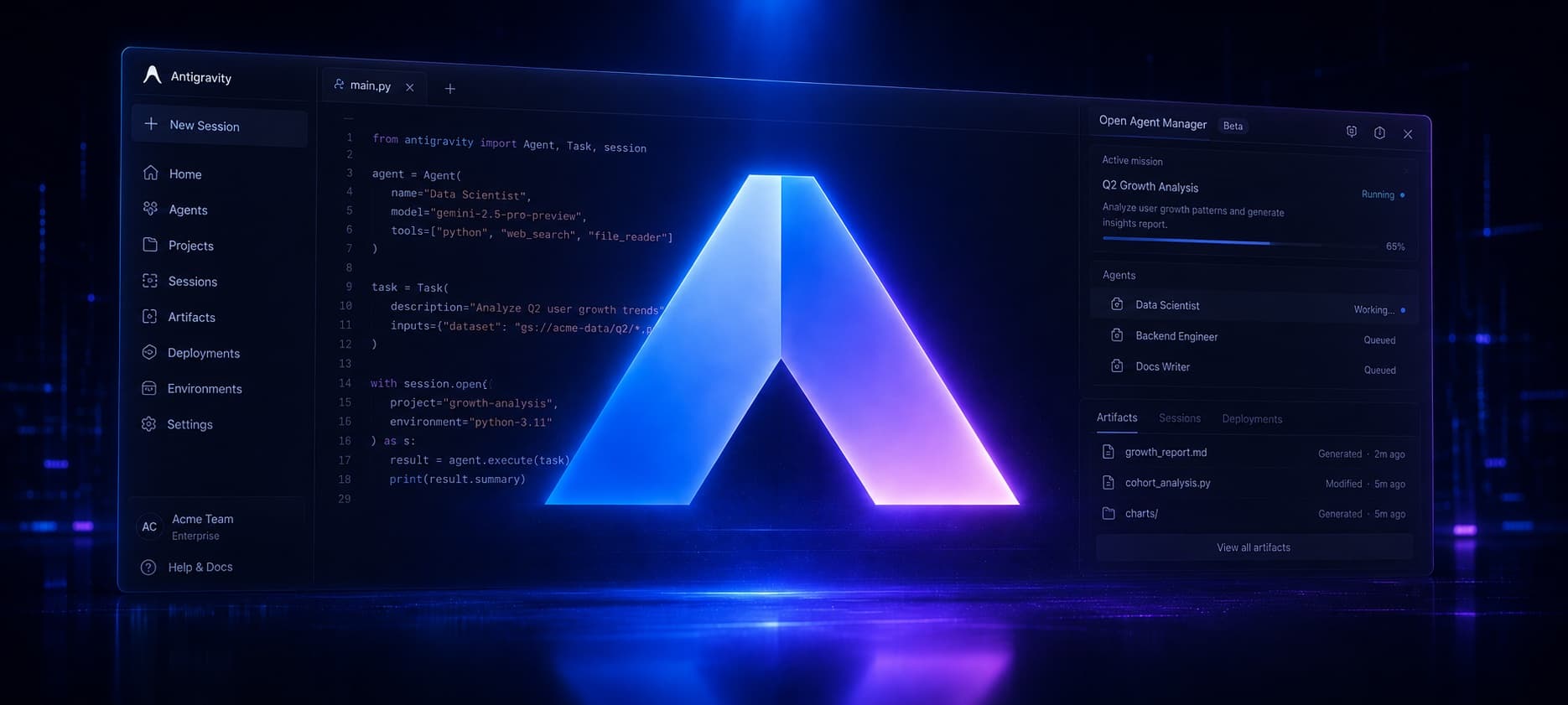
Antigravity adds a dedicated surface for managing agents: the Agent Manager.
The idea is simple: instead of having one AI chat inside the IDE, you can track several missions in parallel. Each agent can have its own task, plan, progress and results.
Concrete examples:
- one agent fixes a UI bug;
- another adds a test;
- another checks the result in the browser;
- you supervise and approve the work.
This is where Antigravity feels different. The center of the tool is no longer only the open file. The center becomes the mission.
Agents that use the browser
Antigravity gives agents access to three key areas: the editor, the terminal and the browser.
That matters for web development.
An agent can edit a page, run the app, open the result, visually inspect the UI, spot a problem and keep fixing it.
On a Next.js project, for example, you could ask:
Fix the mobile display issue on the article cards, check the result in French and English, then show me what changed.
That kind of task is not only about writing code. It requires opening the app, testing routes, checking the visual result and confirming that the fix works.
This is exactly the workflow Antigravity is trying to make native.